A headless devbox still needs a browser
A URL handler on my remote development machine led me into xdg-open dispatch, browser location, and the difference between opening a login page and finishing a login.
One of the more useful pieces of configuration on my development machine is a small shell script for opening URLs.
That sounds like something a headless server should be able to skip. Then a CLI wants to sign in, a tool wants to show a preview, or an agent runs a command that assumes there is a browser nearby. The server suddenly has a desktop problem.
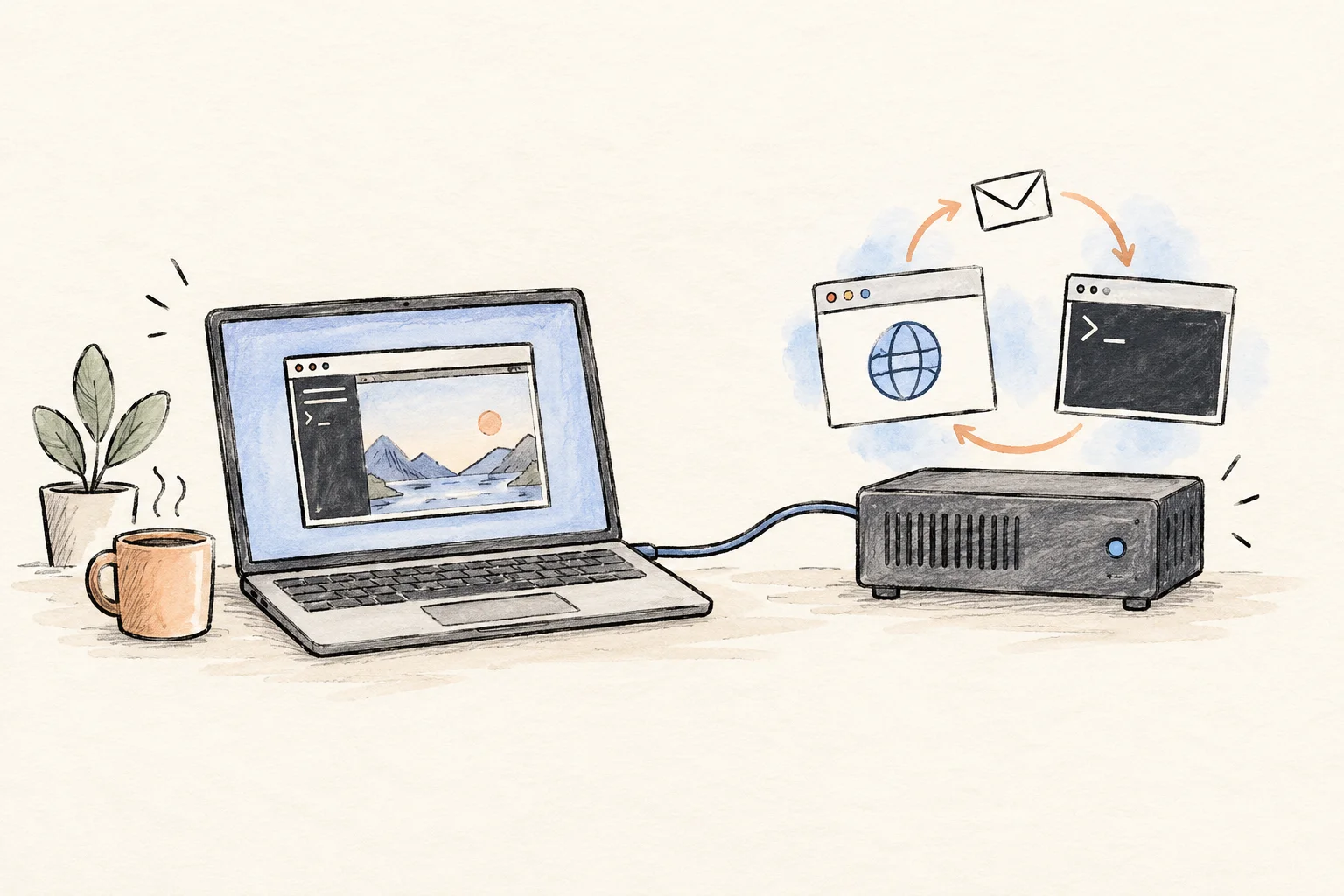
My setup uses a laptop as the interface to a remote Linux development machine. The code and agent sessions live on the remote machine. Orca’s remote-server model supports that split: the server owns the runtime, while a client connects to it. It also means that installing or signing into a tool on the laptop does not configure the remote shell.
The browser setting can point back to the opener
The URL wrapper on this machine explicitly guards against re-entry. To understand why that matters, I checked the installed dispatch logic. There is a small, concrete trap in it.
xdg-open chooses an application for a file or URL. Its own manual describes it as a desktop-session tool. In the generic path of the installed xdg-utils package, version 1.2.1-2ubuntu2, it can fall through to the command named by BROWSER when no earlier handler succeeds.
The script also tries to remove references to itself. But the check recognizes the bare name xdg-open; it does not resolve every candidate to a canonical executable path. The absolute spelling /usr/bin/xdg-open survives that check. The same guard is visible in the public copy distributed with the open package; its open_generic and open_envvar functions show the dispatch path.
Here is a bounded demonstration of the distinction for those two inputs. It only compares strings. It does not launch either command.
for candidate in xdg-open /usr/bin/xdg-open; do case "$candidate" in xdg-open) result='removed by the exact-name check' ;; *) result='survives the exact-name check' ;; esac printf '%s: %s\n' "$candidate" "$result"doneThe resulting dispatch cycle is easy to miss: an opener asks for a browser, the browser setting names the opener, and the child inherits the same setting. It depends on reaching that fallback path; setting the variable alone is not enough to establish that a particular desktop will recurse.
- A tool requests a URLThe tool delegates opening the page to xdg-open.
- Generic dispatch falls throughNo earlier application handles it. BROWSER names /usr/bin/xdg-open.
- The opener launches againThe inherited setting sends the child back through the same path.
Give URL opening a destination and a stopping point
The current configuration registers an explicit desktop entry for HTTP and HTTPS. That entry calls a small wrapper, which attempts to hand the URL to Orca with a worktree selector. The selector ties the request to a workspace instead of assuming whichever terminal happens to be active is the right one.
The useful details are in the failure path. The wrapper sets an environment flag before delegating, so a re-entry can stop immediately. The browser handoff has a timeout. If it cannot hand off the URL, it reports that outcome and returns without invoking xdg-open or BROWSER again.
Those are three separate decisions: where the request goes, how long delivery may take, and what happens when delivery fails. A fallback that merely calls another generic opener leaves the last decision unresolved.
The existing wrapper treats handling the request as success even when automatic opening fails. That is a local policy choice, not proof that a page opened. A caller that needs reliable automation should expose delivery status separately. Authentication URLs can also carry temporary credentials or state, so persistent diagnostics should record the handoff result without copying the full URL.
A visible login page does not prove the callback can return
Once opening works, there is another question: which machine owns the browser’s loopback address?
A CLI on the remote machine may wait for an OAuth callback at 127.0.0.1. If the authorization page opens in a browser running on the laptop, the eventual loopback request goes to the laptop. A window shown through a remote interface can look similar while its browser process runs elsewhere.
For a loopback flow, the browser and callback listener need compatible network placement, or an explicit forwarding arrangement. RFC 8252, section 7.3 describes the loopback redirect mechanism. This is about network location, not a blanket recommendation to authenticate inside an IDE webview: the same RFC requires an appropriate external user-agent security boundary. Providers may also offer a device flow that avoids a browser callback to the remote CLI.
| Browser process | CLI callback listener | Without forwarding |
|---|---|---|
| Remote host, same network namespace | Remote host loopback | The callback has a route to the listener. |
| Laptop | Remote host loopback | The browser contacts the laptop’s loopback instead. |
| Isolated browser container | Host loopback | The container’s loopback is separate from the host’s. |
This is why I would not use a successful open-url response as a login test. It establishes delivery at most. The test ends when the waiting CLI receives its callback and reports success. Browser routing can change with the remote tool’s version, so a comment in a wrapper is not enough to establish current behavior either.
The failure can look bigger than a browser problem
A chain of launcher processes consumes tasks. If it reaches a cgroup’s task limit, other processes in that group can fail to start too. systemd’s TasksMax documentation explains that this limit counts tasks, including individual threads. The visible symptom can be a terminal or agent that will no longer launch, even though the initiating action was just opening a link.
For that symptom, I would inspect the process tree and effective task accounting before increasing the limit. A larger ceiling gives an unbounded launch path more room; it does not give the URL a destination.
I like having the heavy work stay on a remote machine. The small desktop assumptions are what make that arrangement interesting: whose browser, whose localhost, whose environment, and who receives the failure. In this case, a useful piece of server configuration turned out to be a URL opener that knows when to stop.